
Functional Prototypes in a Day: How AI Is Changing the Way We Design
I recently joined a call with Jack Fletcher, a Digital Product & Design lead at Co-op, and WOW — what he showed us about using AI in the design process was genuinely exciting. Not “sci-fi hype” exciting, but real, practical, “designers can actually use this today” exciting.
And the best part?
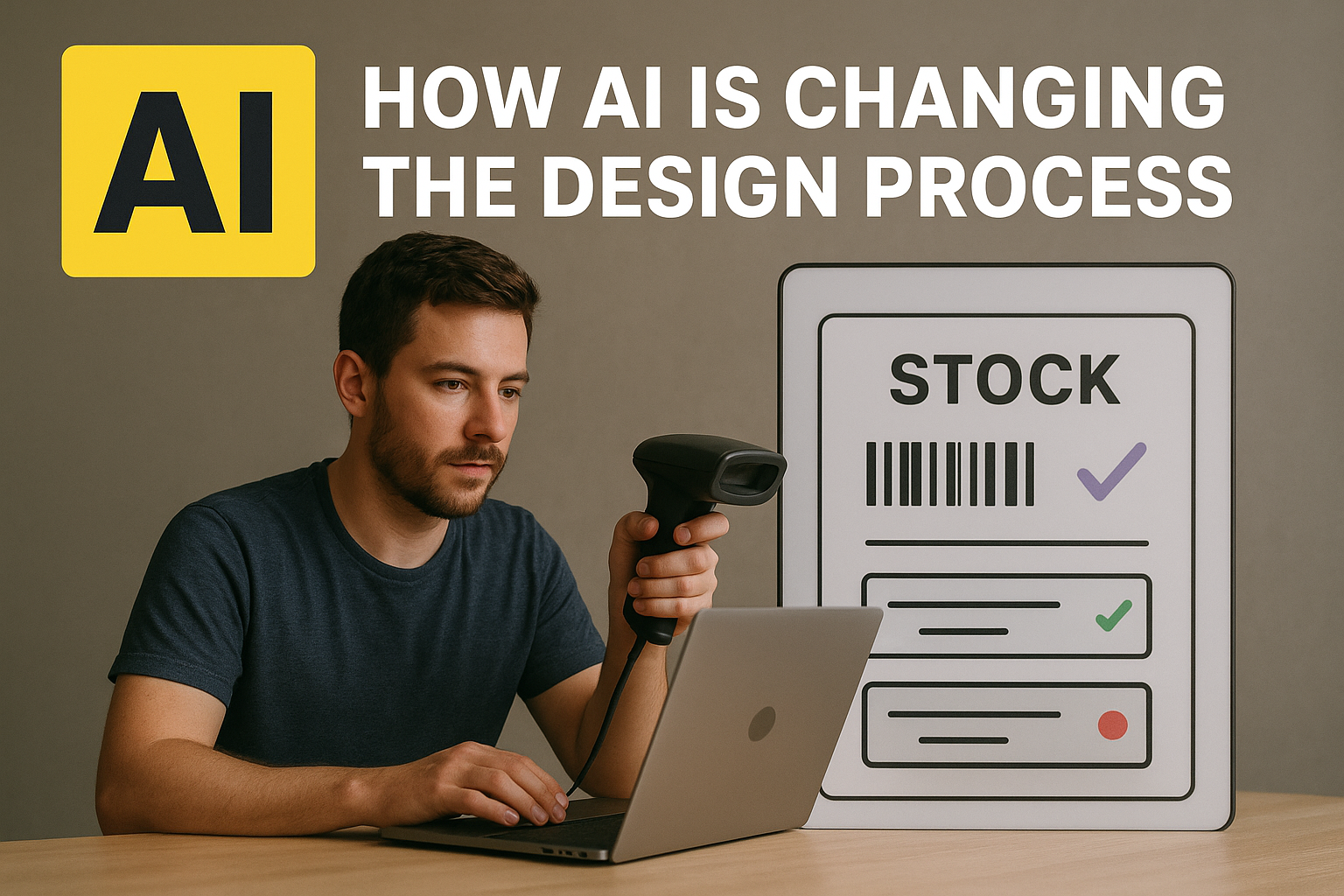
He built a fully coded, fully functional prototype of a stock-management app in under 24 hours — without being an engineer.
Yep. Wild.
Why he did it
Jack’s team is working on a new stock-management system for Co-op food stores. They expected to test the real app in-store by the end of the year… but delays happen. Instead of pausing research, Jack wanted a way to simulate the real experience so they could keep learning.
Cue AI.
Functional prototype… in a day?!
Jack didn’t just build screens.
He built:
- A real working app
- Installed on the Zebra handheld scanners that store colleagues actually use
- With barcode scanning
- Real product data
- Real stock logic
- Real delivery flows
- And smart suggestions about where stock should go
All running as if it were the real product.
Designers know this level of fidelity usually takes weeks, sometimes months. Jack did it overnight.
The “magic combo”: Figma + Claude + Supabase
The secret wasn’t just one tool — it was a workflow:
🟣 Figma Make
Figma’s new AI-powered “prompt-to-prototype” tool.
You describe what you want. It generates screens, flows, and code structure.
🟡 Claude (Anthropic)
Handled nearly all the heavy lifting:
coding, logic, troubleshooting, even explaining complex decisions.
🟢 Supabase
Instant backend:
auth, database, storage — without needing a backend engineer.
With these three together, Jack was basically able to say:
“Build me a stock-counting feature, let it scan barcodes, update stock levels, and show delivery data.”
…and the system did it.
Why this matters for designers
This isn’t about replacing engineers.
This is about supercharging designers so we can:
- Prototype realistic experiences
- Validate ideas earlier
- Test with real data
- Reduce guesswork
- Shorten the time from idea → insight
Jack kept repeating the same point:
The value isn’t what he built — it’s how fast and how easily he built it.
And honestly, that’s the bit that sticks.
The opportunities
Jack highlighted some genuinely exciting possibilities:
✨ More realistic testing
✨ Faster iterations
✨ Lower cost experimentation
✨ Better collaboration
✨ Designers building things we previously couldn’t
Even better:
Figma Make is included in tools many teams already pay for, and Supabase’s free tier works for most prototype needs.
Meaning…
Designers can start today.
But of course — some risks
It’s not all sunshine:
- These prototypes can be accidentally published online
- Bad data hygiene = potential risk
- Teams might try to ship prototypes instead of real code
- Security needs proper setup
- Businesses aren’t always ready for AI-driven workflows
Jack was crystal clear:
these prototypes are not for production — ever.
Is it gimmicky or groundbreaking?
Jack summed it up perfectly:
It can be both, depending on how we use it.
If we treat AI as a shortcut to hacky outputs → gimmick.
If we treat it as a tool to unlock new ways of working → genuinely groundbreaking.
And honestly? Seeing a working warehouse-style stock app built in a day… it’s hard not to get excited.
A final thought
AI is going to change design — not in some distant future, but right now.
Jack’s demo showed that the shift isn’t theoretical. It’s happening.
As designers, we get to choose:
be scared of the change… or shape it.
And after that session, I’m firmly in the “let’s shape it” camp.
